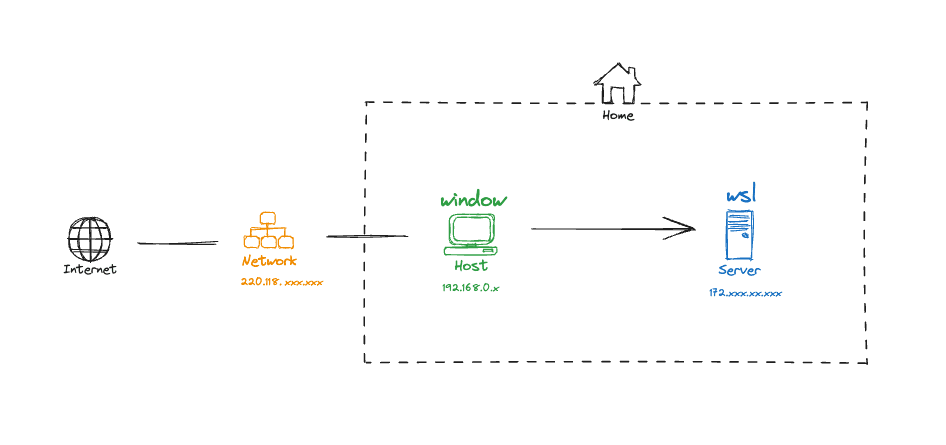
네트워크
명령어
wsl -l
wsl --list
wsl -l --verbose
wsl -l -v
wsl -d distro_name
wsl --distribution distro_name
wsl -t distro_name_to_shutdown
wsl --terminate distro_name_to_shutdown
wsl --shutdown
wsl -s my_default_distro
wsl --set-default my_default_distro
wsl --export distro_name_to_export windows_path\tar_file_name.tar
wsl --import new_distro_name install_location_windows_path tar_file_name.tar --version wsl-version-1-or-2
wsl --import Ubuntu-20 D:\VMs\WSL\Ubuntu-20\ Ubuntu-20.04.tar --version 2
wsl --unregister distro_name_that_delete
wsl -u username -d distroname
wsl -u root -d Ubuntu-20.04
distributionName config --default-user Username
ubuntu config --default-user my_default_username
ubuntu2004.exe config --default-user johndoe